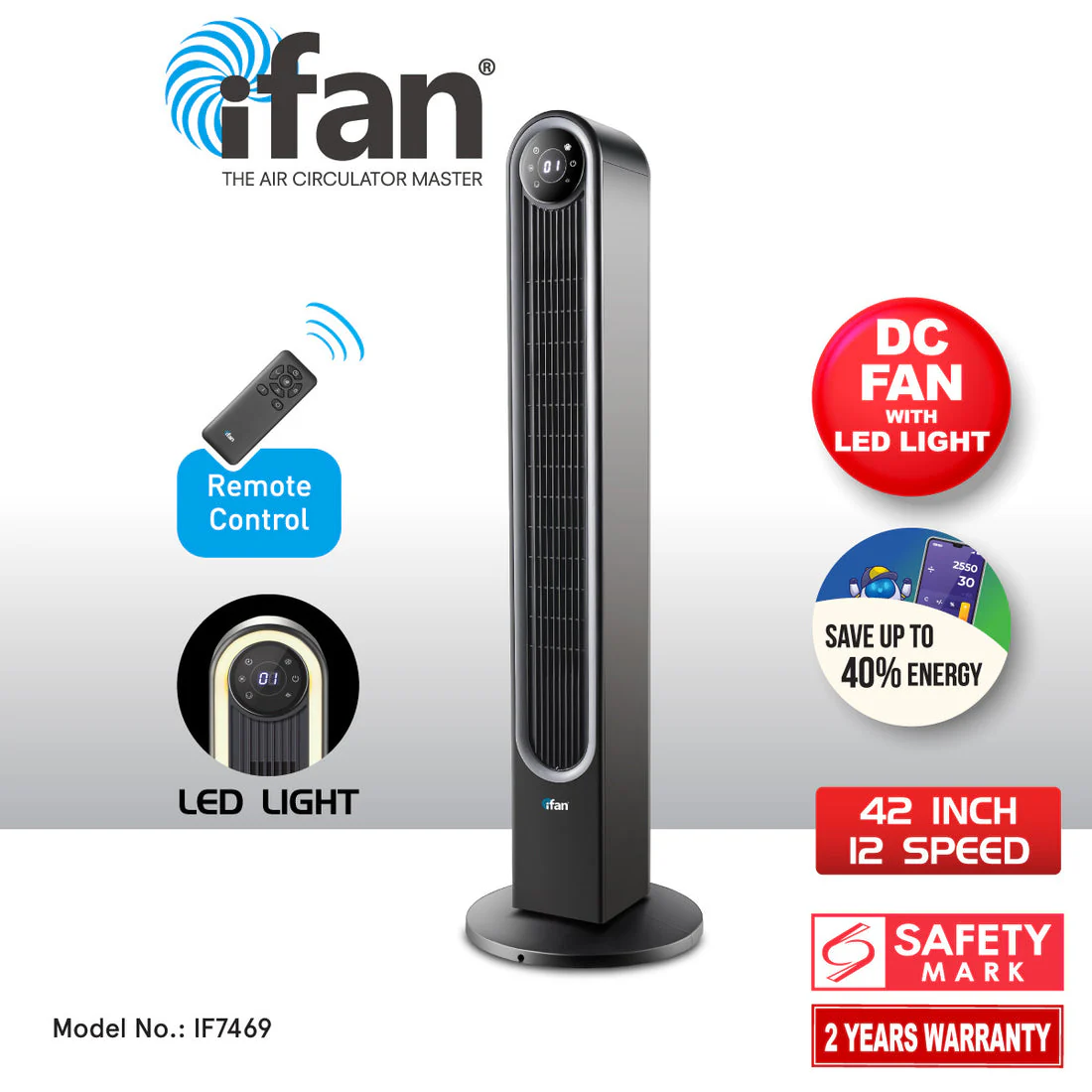
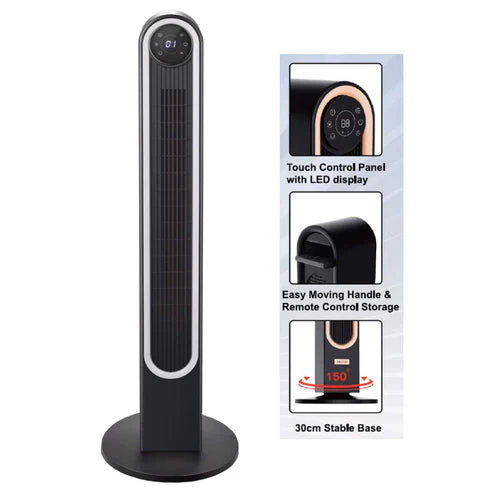
iFan DC Tower Fan W/ LED Light & Remote Control IF7469
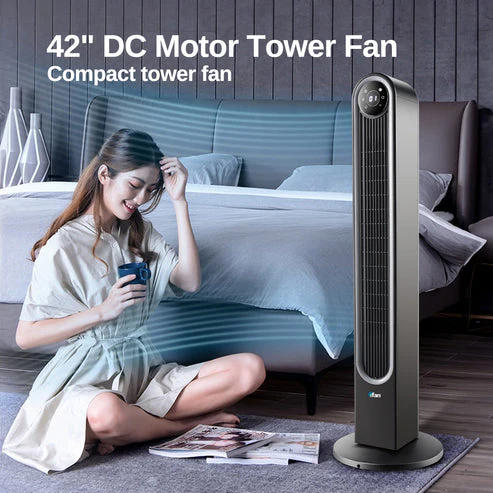
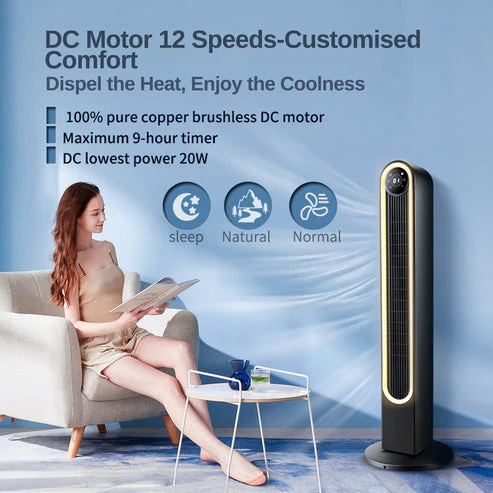
DC motor technology offers several advantages over traditional AC motors. One of the key benefits is energy efficiency, reducing energy consumption by up to 70%, leading to lower electricity bills. DC motors require less maintenance and consume less power compared to AC motors and have increased durability and longevity. Additionally, DC motors provide precise speed control, leading to the 12 speeds in this appliance. Furthermore, DC motors tend to generate less heat during operation. Lastly, more sleeker, modern designs enabled by compact motor size.
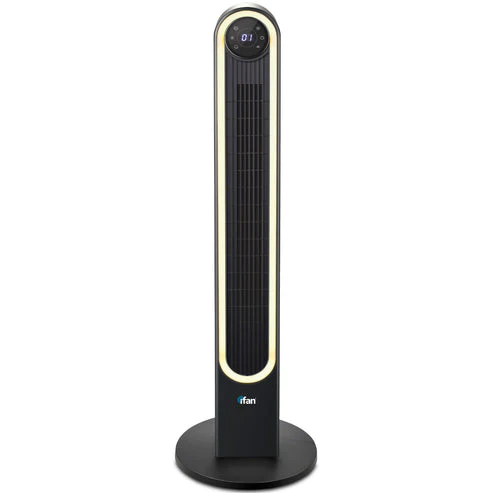
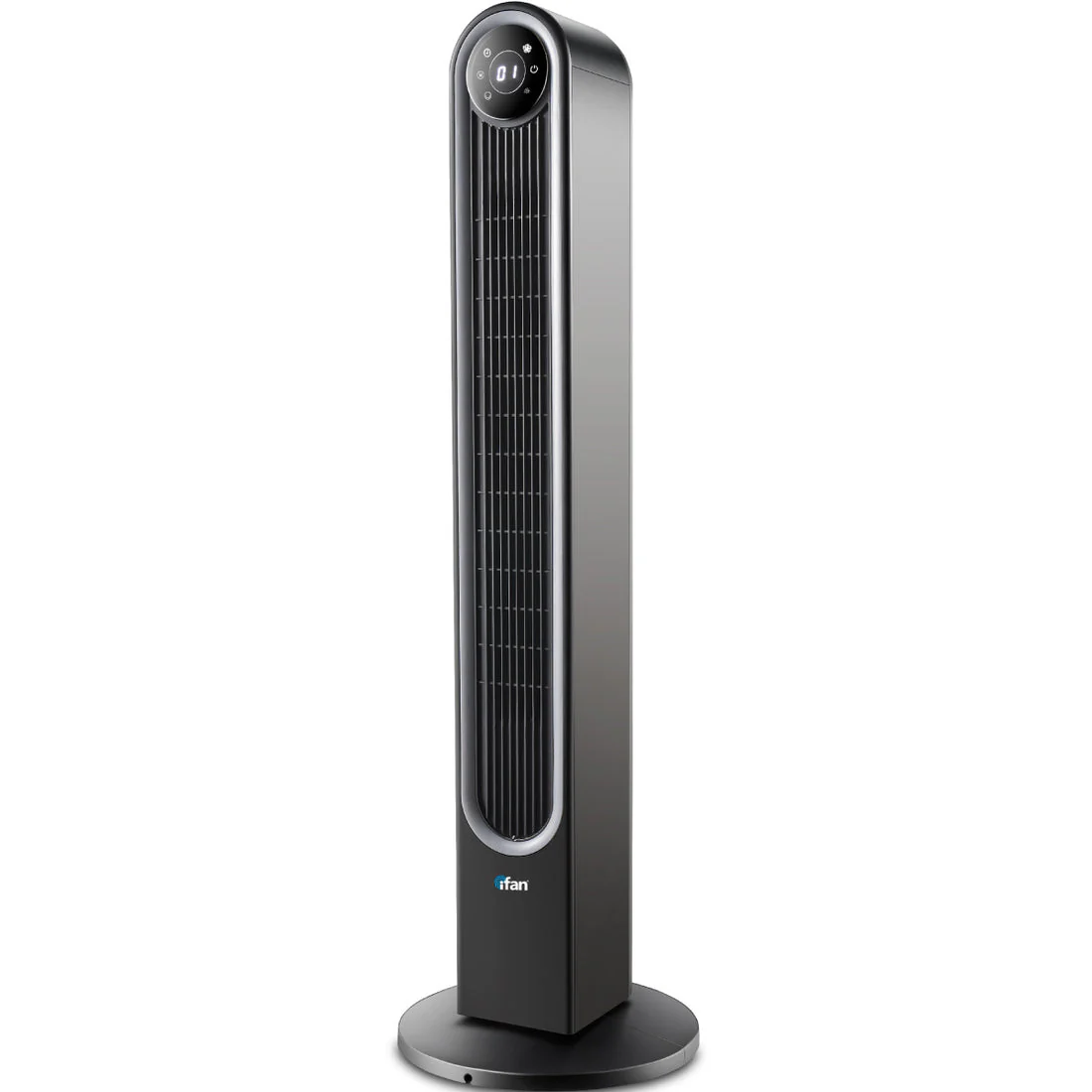
To experience the benefits of the iFan 42" DC Motor Tower Fan IF7469, attach the plug of the power cable into the wall socket and switch the wall switch ON. Press the POWER icon on the LED Touch-screen Control Panel or the ON Button on the Remote Control.
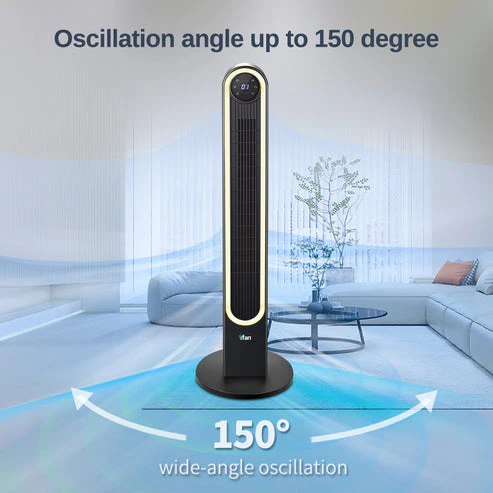
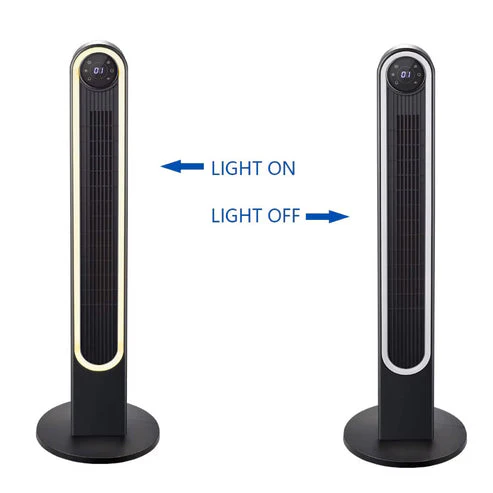
Press the SPEED icon on the Control Panel / Remote Control to increase the fan speed from 01 (Lowest) to 12 (Fastest) you desire. Press the OSCILLATION (wide angle oscillation of 150° for better air circulation), TIMER (max 9 hours), MODE (Normal, Natural or Sleep modes and LAMP (ON or OFF ambient lighting) icons.
To switch off, press the POWER icon on the Control Panel or the OFF Button on the Remote Control. Switch the wall switch OFF and unplug the power cable from the wall socket.
A Thermal Fuse is installed in the Fan Head. If ever the motor overheats, the Thermal Fuse will be activated and will cut off electric current to the important appliance.
User manual for IF7469 (updated by 12 Nov 2024)
Product Information
Product Information
Shipping & Returns
Shipping & Returns
Description
DC motor technology offers several advantages over traditional AC motors. One of the key benefits is energy efficiency, reducing energy consumption by up to 70%, leading to lower electricity bills. DC motors require less maintenance and consume less power compared to AC motors and have increased durability and longevity. Additionally, DC motors provide precise speed control, leading to the 12 speeds in this appliance. Furthermore, DC motors tend to generate less heat during operation. Lastly, more sleeker, modern designs enabled by compact motor size.
To experience the benefits of the iFan 42" DC Motor Tower Fan IF7469, attach the plug of the power cable into the wall socket and switch the wall switch ON. Press the POWER icon on the LED Touch-screen Control Panel or the ON Button on the Remote Control.
Press the SPEED icon on the Control Panel / Remote Control to increase the fan speed from 01 (Lowest) to 12 (Fastest) you desire. Press the OSCILLATION (wide angle oscillation of 150° for better air circulation), TIMER (max 9 hours), MODE (Normal, Natural or Sleep modes and LAMP (ON or OFF ambient lighting) icons.
To switch off, press the POWER icon on the Control Panel or the OFF Button on the Remote Control. Switch the wall switch OFF and unplug the power cable from the wall socket.
A Thermal Fuse is installed in the Fan Head. If ever the motor overheats, the Thermal Fuse will be activated and will cut off electric current to the important appliance.
User manual for IF7469 (updated by 12 Nov 2024)